A USEFUL HANDMADE PROJECT
Make a Cardboard Fabric Folding Board
Hinged cardboard panels provide a repeatable folding guide sized for the fabric pieces you actually store.
Start with your materials ↓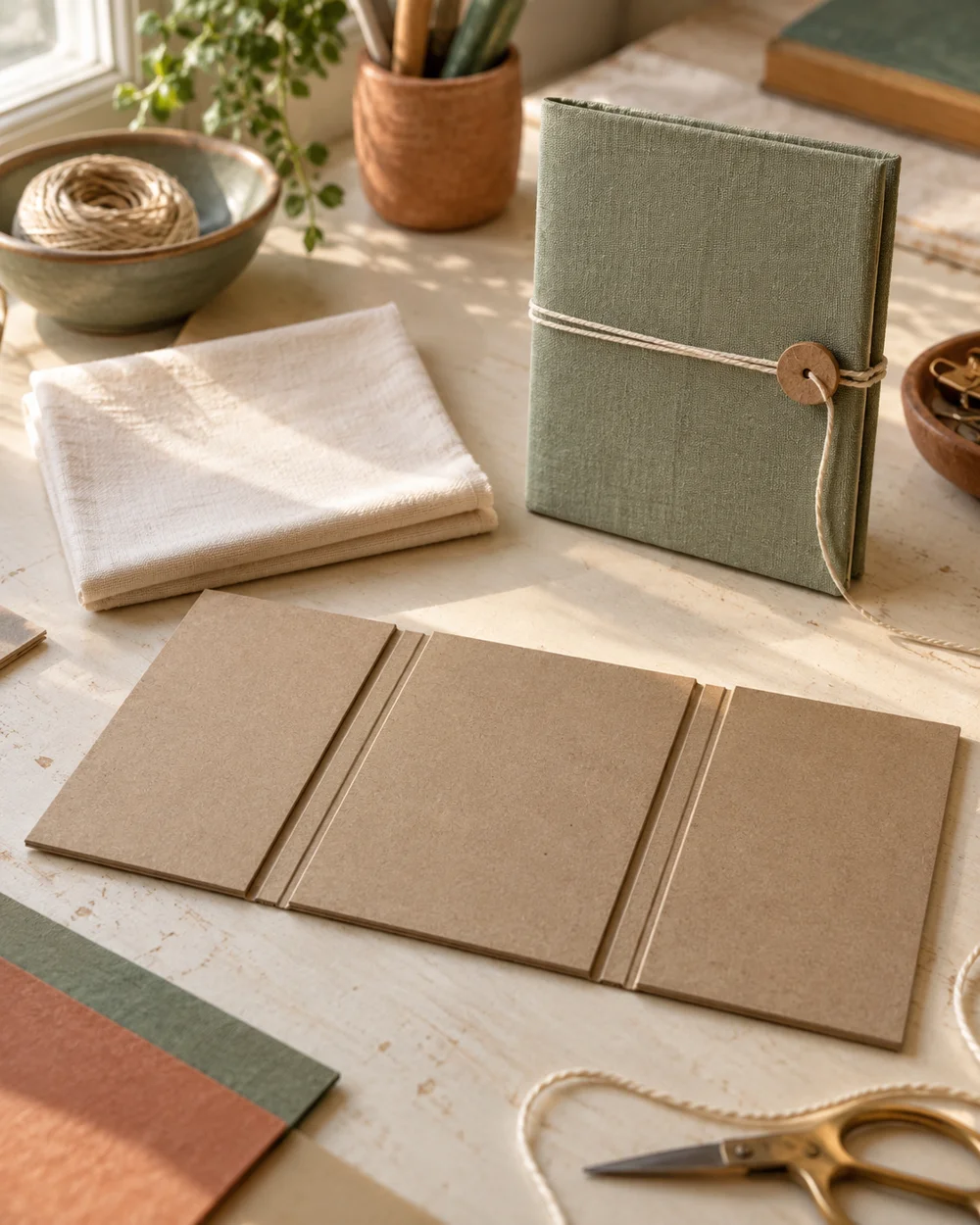
WHAT TO GATHER
Your starting kit.
- Clean, dry cardboard with uncrushed edges
- A ruler, pencil, and scissors suitable for the board
- Paper glue or paper tape as required by the joins
- Scrap cardboard and a protective work mat
STEP 01
Measure and prepare
Cut one center panel 200 by 250 mm and two side panels 100 by 250 mm.
STEP 02
Lay out the construction
Lay the panels with 3 mm gaps and tape the long joins on both sides to make flexible hinges.
STEP 03
Join and shape
Place a small fabric piece over the center, fold each side panel inward in turn, and lift the folded cloth off the board.
STEP 04
Check the result
Adjust panel sizes to the fabric pieces you actually store rather than forcing every textile to one width. Let all adhesive dry before fitting the intended lightweight contents. Place the project on a flat surface and check that its joints sit square. If a slot tears or a wall leans, remake that piece from sound cardboard rather than hiding the weak join with decoration.
STEP 05
Finish and keep
Smooth exposed rough edges with a thin paper covering where needed, without blocking working slots. Keep the project away from water and heat. Recheck the joints after a few uses and replace a worn piece if it bends or loses its shape.
Before you begin.
How wide should I cut the slots?
Measure the cardboard thickness and test a slot on an offcut. The pieces should slide together with light pressure; forcing them can crush the corrugation and weaken the join.
What should I check before beginning?
Adjust panel sizes to the fabric pieces you actually store rather than forcing every textile to one width.
Original editorial project guidance. Images are AI-generated concepts, not photographs of tested finished projects. Practice on inexpensive materials and follow tool and material instructions. Sources & approach.
Save to Pinterest ↗KEEP THE THREAD GOING
Try something next.
 01 / A SMALL PROJECT
Cardboard projects
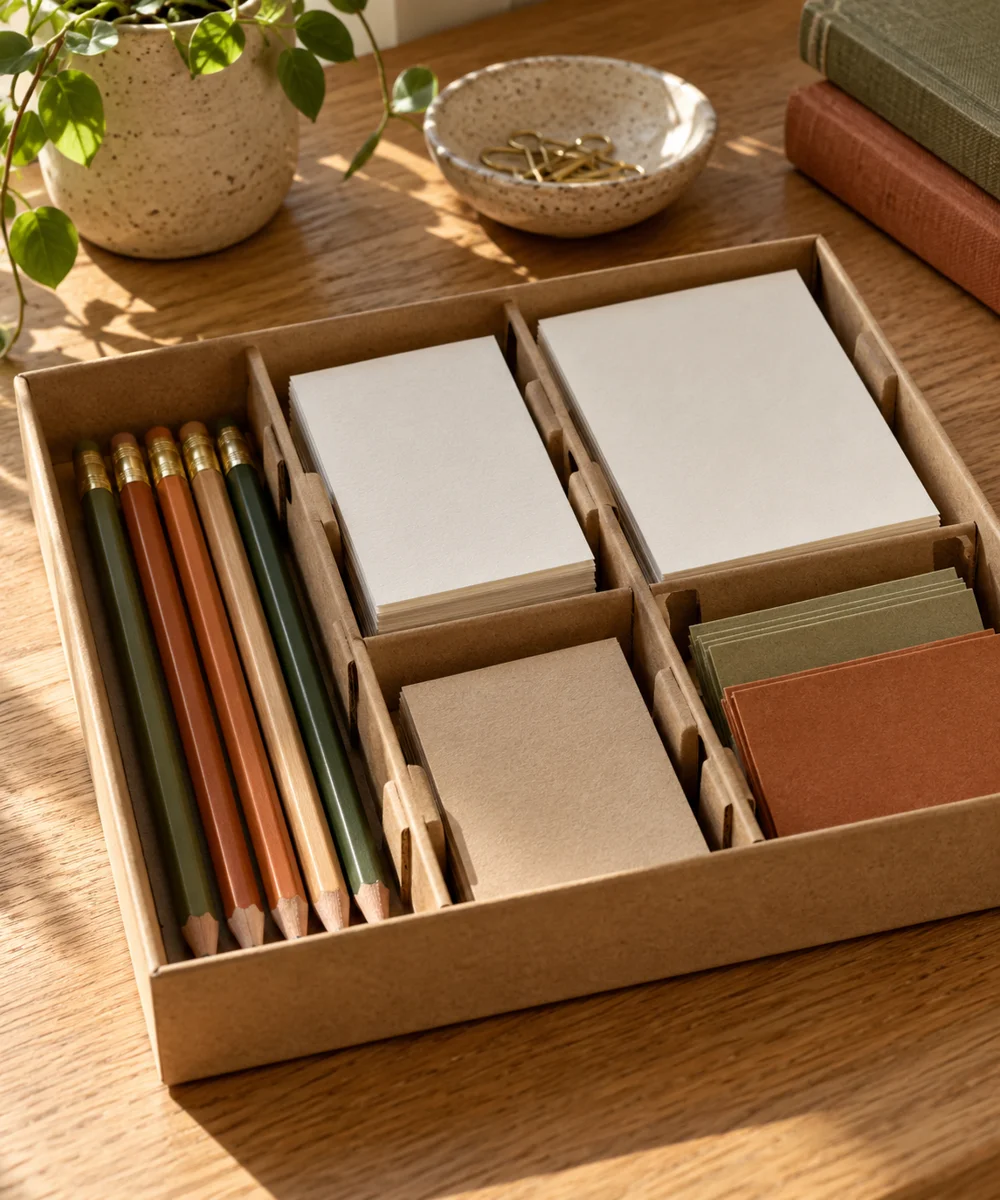
A tidier drawer from a spare box
Make a little time ↗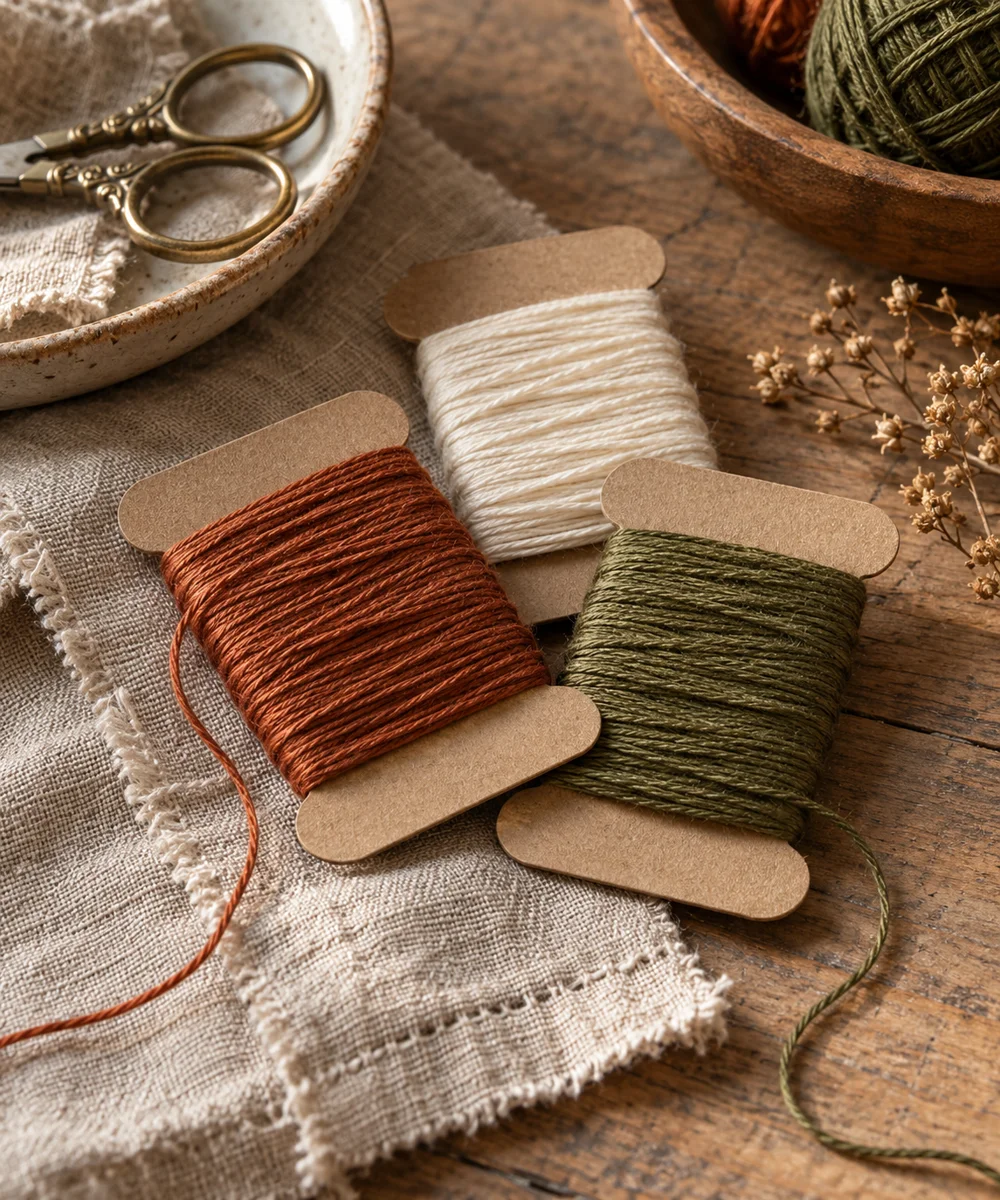 02 / A SMALL PROJECT
Cardboard projects
Give loose thread a place to rest
Make a little time ↗ 03 / A SMALL PROJECT
Cardboard projects