A USEFUL HANDMADE PROJECT
Make a Cut-and-Fold Paper Page Tab
Folded page tabs create a visible route to selected notebook sections without a bulky divider system.
Start with your materials ↓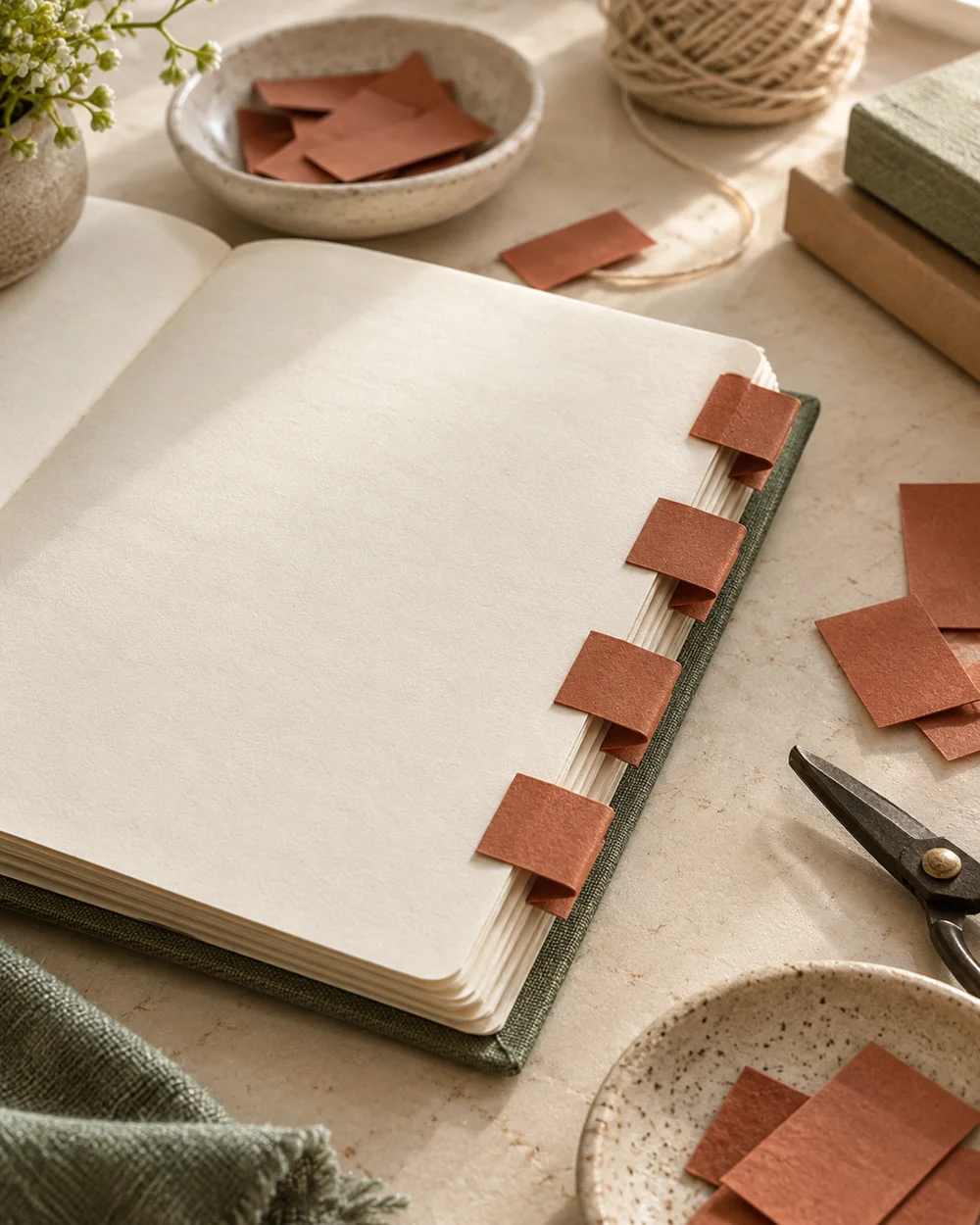
WHAT TO GATHER
Your starting kit.
- Plain paper or cardstock suited to the folds described below
- A ruler, pencil, and scissors
- Paper glue and scrap paper for protecting the work surface
- A blunt folding tool for scored creases
STEP 01
Measure and prepare
Cut paper strips 30 by 40 mm and fold each across its midpoint.
STEP 02
Lay out the construction
Round the two free corners if desired, then place the folded strip over the edge of one sheet.
STEP 03
Join and shape
Glue only the inside faces against that sheet. Space tabs down successive pages so all remain visible.
STEP 04
Check the result
Try one removable scrap-paper tab first to check how far it projects beyond the notebook cover. Let glued joints dry according to the adhesive instructions. Compare the finished shape with its intended use: moving parts should move freely, open pockets should remain open, and supporting folds should sit level. Trim only a little at a time if a paper edge catches.
STEP 05
Finish and keep
Remove temporary pencil guides with a clean eraser where the paper allows it. Store the finished piece somewhere dry and avoid putting pressure on raised or rolled details. Keep your first scrap-paper version nearby if you want to change the dimensions next time.
Before you begin.
Can I change the paper size?
Yes. Make a scrap version first and keep the same fold sequence. Where a piece wraps another object, measure the actual object and add space for its thickness instead of enlarging only one dimension.
What should I check before beginning?
Try one removable scrap-paper tab first to check how far it projects beyond the notebook cover.
Original editorial project guidance. Images are AI-generated concepts, not photographs of tested finished projects. Practice on inexpensive materials and follow tool and material instructions. Sources & approach.
Save to Pinterest ↗KEEP THE THREAD GOING