LESS TO TRACK. MORE ROOM.
Build a Simple Undated Weekly Planner
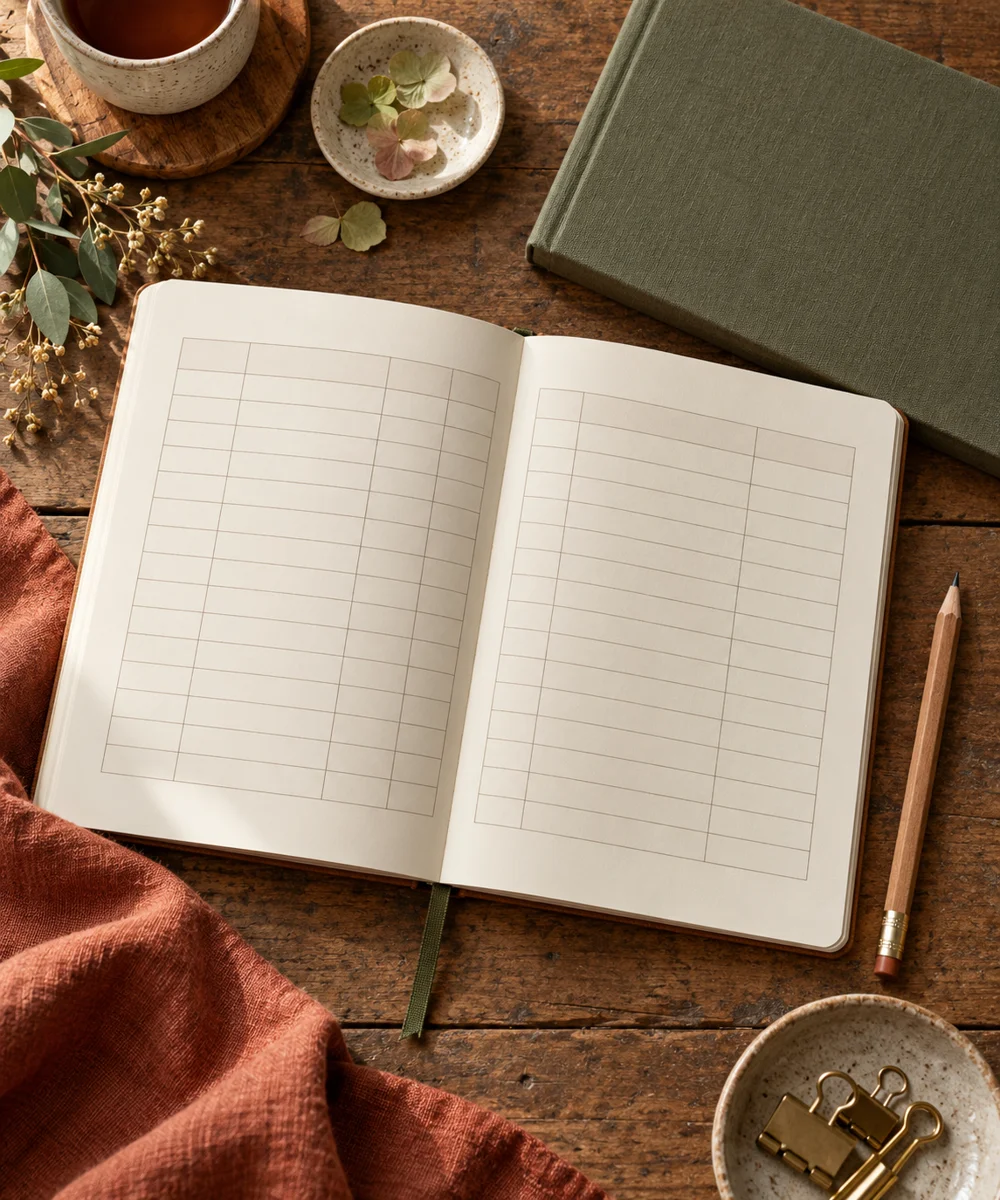
An undated weekly page gives plans a home without making unused pages feel wasted. Keep the layout simple enough to draw again: a space for each day, a short list of priorities, and somewhere for tasks that do not yet have a date. Begin with fixed commitments and leave visible breathing room. This is a practical planning page, not a promise that every week will run exactly as written.
Start with your materials ↓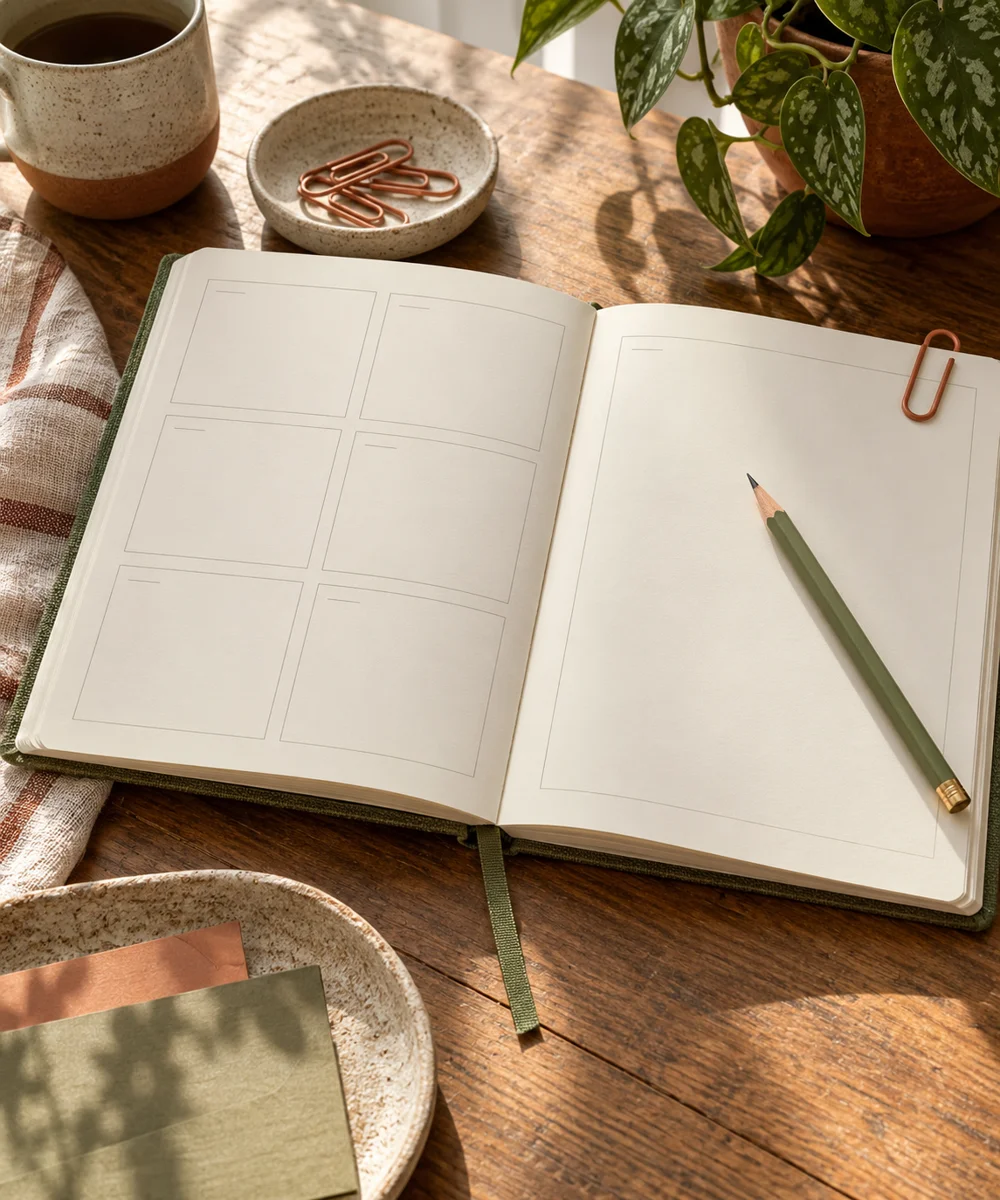
WHAT TO GATHER
Your starting kit.
- A notebook or our weekly-page printable
- A pencil and eraser
- A ruler and one pen
STEP 01
Start with fixed commitments
Write the date range and add appointments or obligations you already know. Keep addresses, passwords, and sensitive information out of a page you intend to photograph or share. Leave time around commitments rather than filling every blank space.
STEP 02
Give days enough space
Draw seven simple boxes or use a short vertical list for each day. If weekends need less room, they can share a row. Choose based on your actual week, and avoid tiny boxes that force you to rewrite everything elsewhere.
STEP 03
Choose a short priority list
Add up to three priorities for the week. Describe each as a visible action, such as sorting one drawer or drafting one page. Large projects can point to a separate project list, keeping this spread from becoming a crowded planning system.
STEP 04
Make a flexible task area
Keep unscheduled tasks in one small area. Assign them to a day only when that makes sense. Use a single mark for completed work and another for moved tasks, rather than inventing a complicated color key you must maintain.
STEP 05
Close the week gently
At the end of the week, remove tasks that no longer matter and move only useful unfinished items. Note one adjustment for the next page, perhaps wider day boxes or fewer priorities. Reuse the same layout until a specific problem gives you a reason to change it.
Before you begin.
Do I need a different color for every activity?
No. One pen and a clear layout are enough. Add color only when it helps you distinguish information you use regularly.
What happens when a day changes?
Cross out or move the item clearly. The page should follow your real week rather than make changes look like mistakes.
Original editorial project guidance. Images are AI-generated concepts, not photographs of tested finished projects. Practice on inexpensive materials and follow tool and material instructions. Sources & approach.
Save to Pinterest ↗KEEP THE THREAD GOING